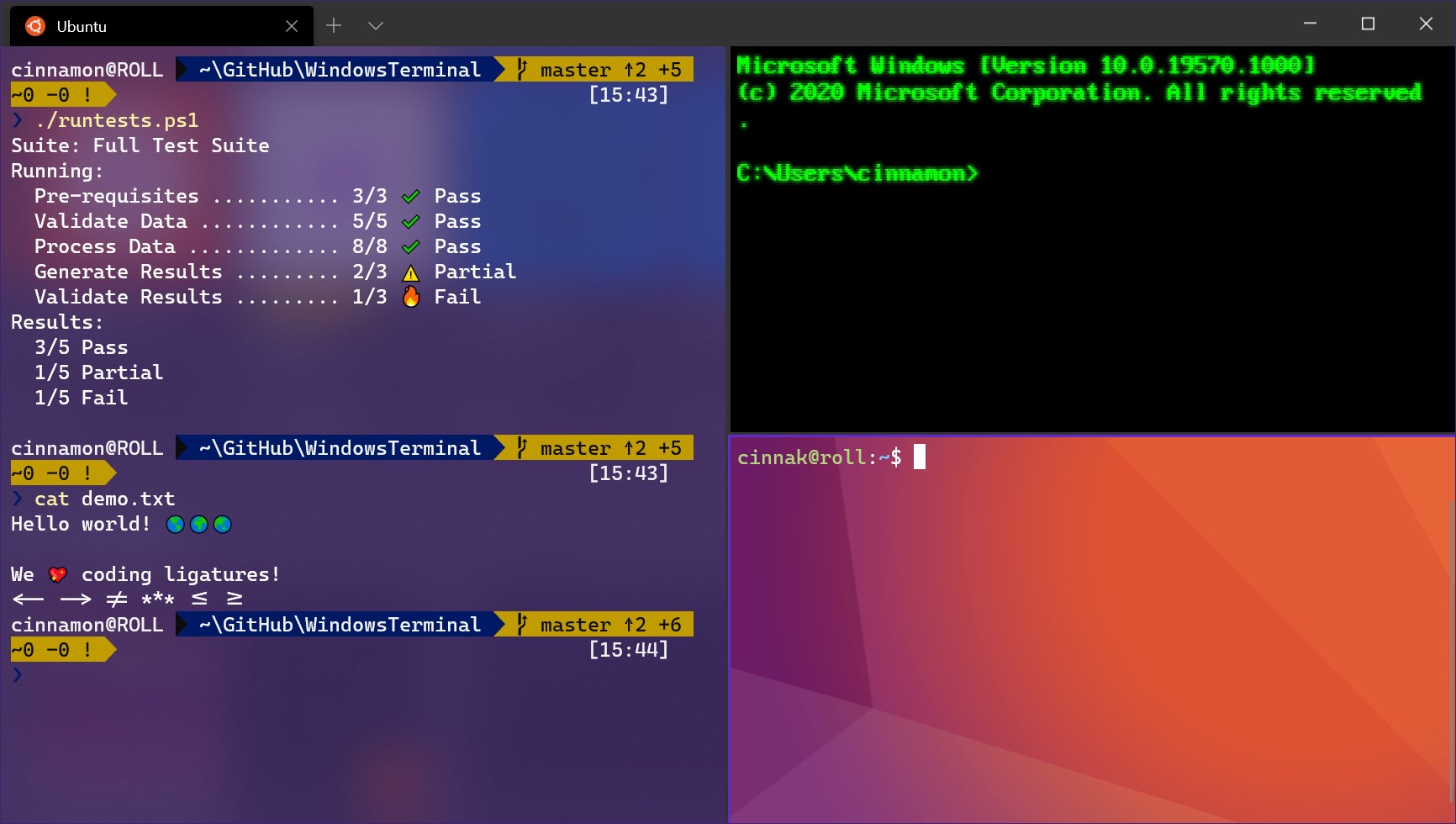
🖥️ Terminal Knowledge
Terminal is a text interface that allows users to interact with computer systems through CLI (Command Line Interface). It is an essential tool for system management, command execution, and task automation.
📚 Free Resources
🔹 Example:
| |
📊 Process Monitoring
Process monitoring is the continuous observation and analysis of processes in IT systems to ensure performance, efficiency, and compliance. It helps track important metrics such as resource usage and behavior of individual processes or applications running in the system.
🏆 Recommended Tools
- 🟣 lsof - Lists information about files opened by processes.
📚 Free Resources
- 📄 Lsof Cheat Sheet
- 📖 lsof Documentation
- ▶️ Video: Linux Crash Course - lsof Command
- 📝 Great Articles on Monitoring
🔹 Example:
| |
🚀 Performance Monitoring
Performance monitoring helps collect, analyze, and report key performance metrics from applications, networks, servers, and databases.
🏆 Recommended Tools
- 🟣 vmstat - Virtual memory and system performance monitoring tool.
📚 Free Resources
- 📖 Linux Commands: Exploring Virtual Memory with vmstat
- 📄 vmstat Documentation
- ▶️ vmstat Tutorial
- 📝 Great Articles on Monitoring
🔹 Example:
| |
🌐 Networking Tools
Networking tools support monitoring, analyzing, troubleshooting, and managing network systems.
🏆 Recommended Tools
- 🟣 Wireshark - Deep packet analysis.
- 🟣 Nmap - Network scanning and security testing.
- Ping - Basic connectivity testing.
- Traceroute - Determine packet path through network.
- Netstat - Display network connections.
- Tcpdump - Command-line packet capture and analysis.
- Iperf - Network performance testing.
- Netcat - Perform various network tasks.
- Nslookup/Dig - DNS queries.
- PuTTY - Remote connection via SSH or Telnet.
🔹 Example:
| |
✂️ Text Manipulation
Tools that support editing, processing, and converting text data.
🏆 Recommended Tools
- 🟣 sed - Stream editor for data manipulation.
- 🟣 awk - Pattern scanning and data extraction.
- 🟣 grep - Text search using regular expressions.
- cut, sort, tr, uniq - Supporting commands for text data processing.
🔹 Example:
| |
⚡ Bash Scripts
Bash is a powerful shell on Unix/Linux that helps execute commands and automate tasks.
🔹 Example:
| |
✍️ Editors
Text editors are essential tools for editing and managing text files.
🏆 Recommended Tools
- 🟣 Vim - Powerful, highly customizable, suitable for programmers.
- 🟣 Emacs - Flexible with many supporting plugins.
- Sublime Text - High speed, user-friendly interface.
- Visual Studio Code - Open source, supports debugging, extensions, integrated development tools.
🔹 Example:
| |
🔚 Conclusion
Understanding and mastering these tools helps you work more efficiently in Linux and DevOps environments. Tools 🟣 marked are the most popular and powerful ones, recommended by many experts. You can learn more through the accompanying free resources. If there’s anything that needs clarification or addition, please provide feedback so I can update accordingly!
👉 Next step: Advance your knowledge of Version Control Systems to effectively track, manage, and collaborate on source code.